首先,下载Ubuntu的image。
从Dell的FTP来下载。
ftp://ftp.dell.com/OS/Inspiron_910_Ubuntu_A00.img
找一台已经装好Ubuntu的电脑。安装imagewriter.deb。
下载地址。
http://ppa.launchpad.net/ogra/ubuntu/pool/main/u/usb-imagewriter/usb-imagewriter_0.1-1~ppa1_all.deb
安装软件包。
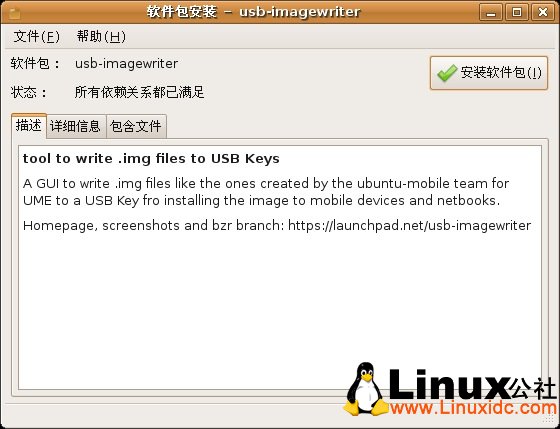
安装后,找 "应用程序——附件——ImageWriter”
运行后界面如下。
选择之前下载好的Inspiron_910_Ubuntu_A00.img
目标选择你插入的U盘。
此文章由 http://www.ositren.com 收集整理 ,地址为: http://www.ositren.com/htmls/51291.html