IT人
当前位置:
首页
>
集区
>
区一
> 文章内容
Eclipse+SVN操作详细解释
字体大小:
中小
标准
->行高大小:
标准
中
大
第一步:打开Eclipse
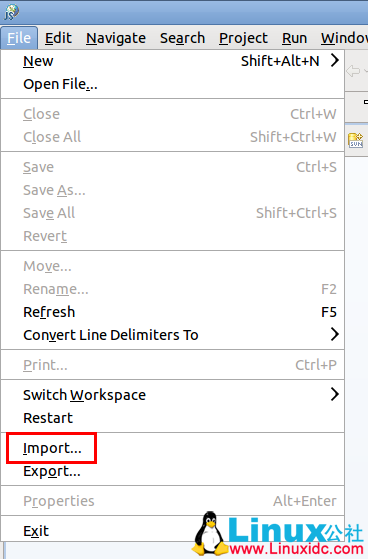
选择Import 导入
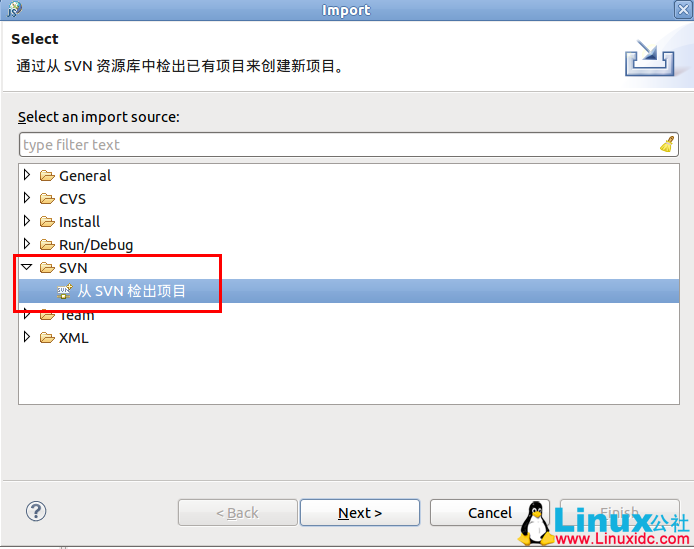
选择从SVN项目检出
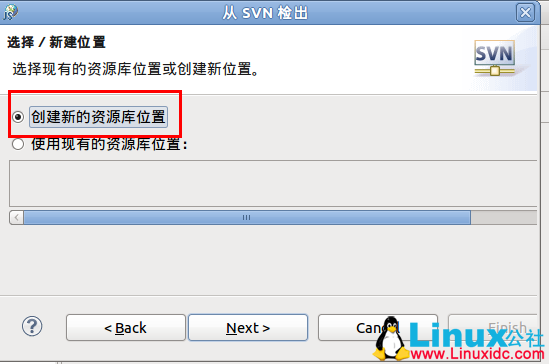
输入svn服务器路径,例如http://192.168.1.102/svn/test/
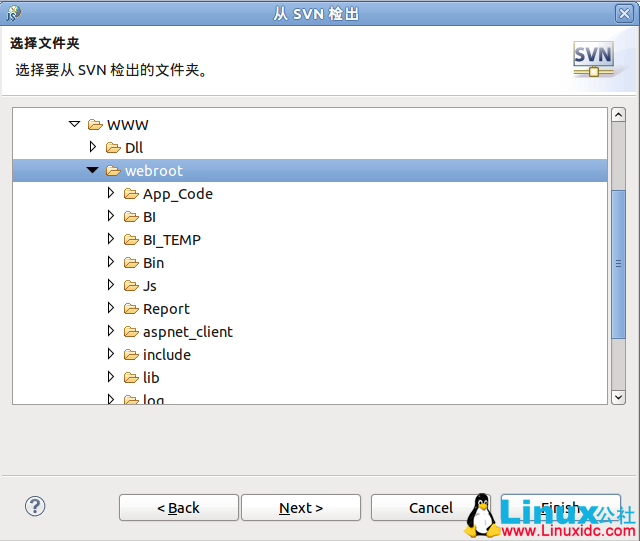
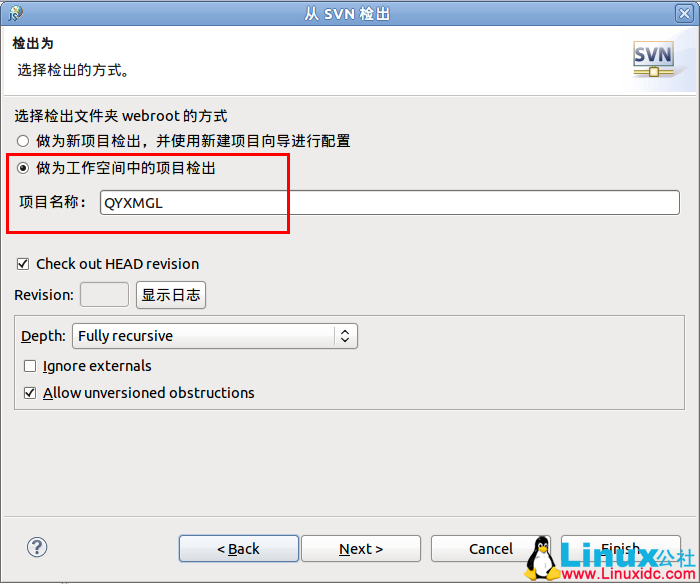
选择“作为工作空间中的项目检出”
此文章由 http://www.ositren.com 收集整理 ,地址为:
http://www.ositren.com/htmls/57387.html
相关
·
RedHat安装Git工具
·
Tizen SDK安装及汉化
·
64位 Ubuntu 11.10 安装及配置Java JDK
·
CentOS下安装Trac笔记
·
Linux的sysctl 命令参数详解
·
Linux Windows等操作系统文件名命名规范
·
Linux发送消息的命令
·
在Ubuntu 11.10下安装显卡后进不了界面