Ubuntu Tweak固然好用,但不能更改lock后的背景,如若此然,还是用命令:
sudo gconftool-2 --direct --config-source xml:readwrite:/etc/gconf/gconf.xml.defaults --set /desktop/gnome/background/picture_filename --type string /path/picture_name
/path/picture_name是用作背景的图片路径
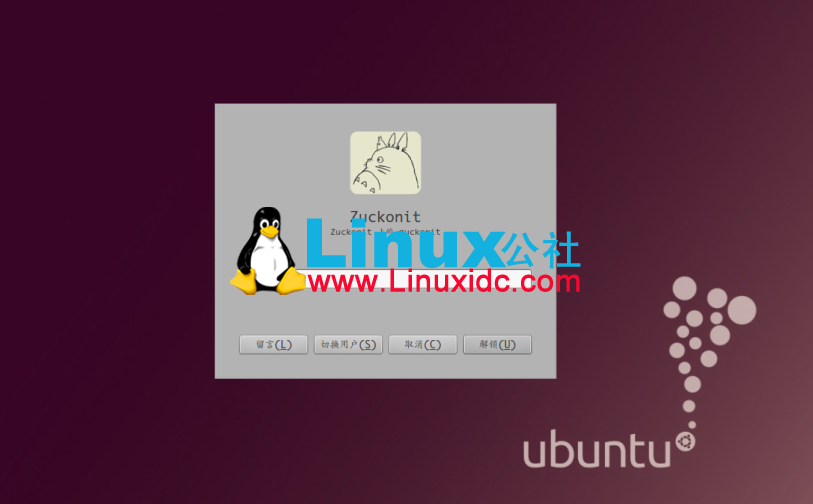
上图:
Ubuntu Tweak固然好用,但不能更改lock后的背景,如若此然,还是用命令:
sudo gconftool-2 --direct --config-source xml:readwrite:/etc/gconf/gconf.xml.defaults --set /desktop/gnome/background/picture_filename --type string /path/picture_name
/path/picture_name是用作背景的图片路径
上图: