Linux Mint 11 是Ubuntu 做的最好的衍生版系统,本教程中使用的显卡为NVIDIA GeForce 8200,其他显卡是否可以正常开启 Compiz Fusion 特效还不知道,希望其他同学在使用后反馈信息。
首先需要启用专有的NVIDIA驱动程序,依次打开 Administration(系统管理) > Additional Drivers(附加驱动):
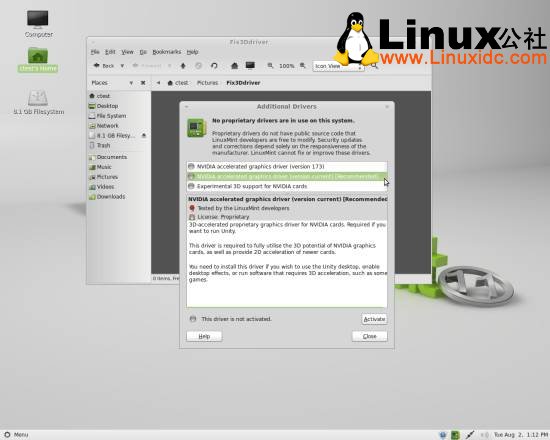
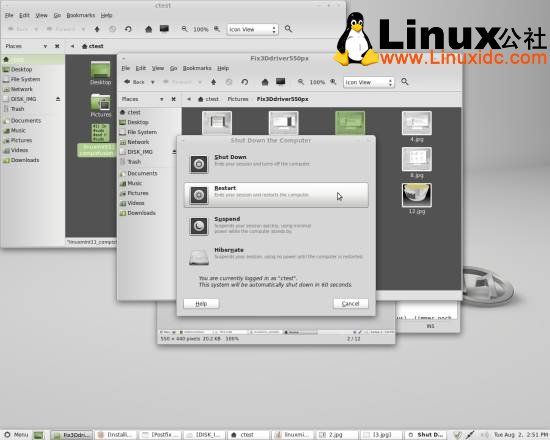
安装好之后需要重新启动系统。
如果你没有出现此附加驱动,按照下面的方法安装:
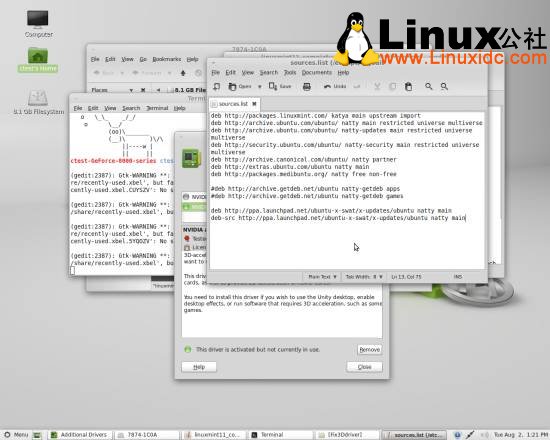
添加ubuntu-x-swat ppa源到sources.list源列表,打开终端输入:
sudo gedit /etc/apt/sources.list
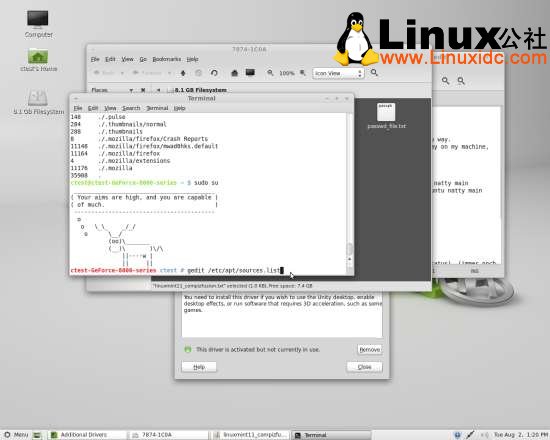
在源列表里面添加如下两行源:
deb http://ppa.launchpad.net/ubuntu-x-swat/x-updates/ubuntu natty main
deb-src http://ppa.launchpad.net/ubuntu-x-swat/x-updates/ubuntu natty main