下面说下在Ubuntu 10.10里安装中文man的简单步骤,man是linux里的使用手册,通过man可以快速的找到某个你不了解的命令行的使用文档。
不过Ubuntu的man默认是英文的,不过不要紧,源里面提供了中文man。
执行如下命令:
1(见图1)、www_linuxidc_com@linuxidc:~$ sudo apt-get install manpages-zh
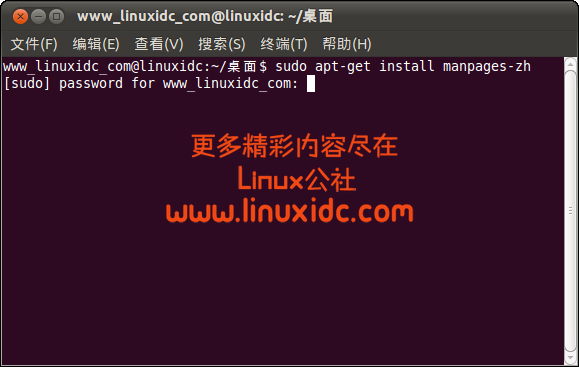
图1
执行完这命令后!
ok,中文man手册就安装完了,手册安装在了/usr/share/man/zh_CN目录下,在使用之前还需要做一点点设置。
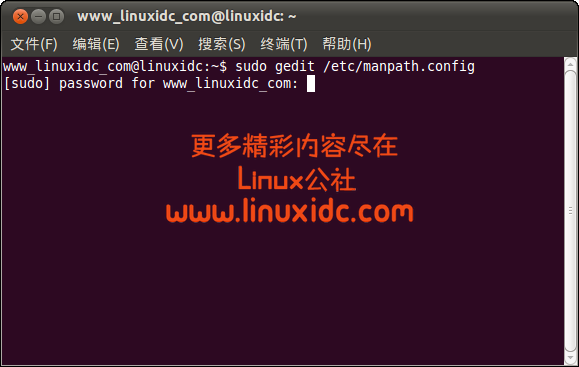
2(见图2)、www_linuxidc_com@linuxidc:~$ sudo gedit /etc/manpath.config