qBittorrent v3.1.4 发布,此版本包括了 Ubuntu 的安装说明,主要更新内容如下:
FEATURE: Statistics dialog (Gelmir) FEATURE: Tooltips explaining each peer's connection flags (sledgehammer999) FEATURE: Win/Mac Check for program updates every 15min and allow the user to manually check for updates through the help menu. (sledgehammer999) BUGFIX: Better dialog message for torrent delete confirmation (sledgehammer999) BUGFIX: Fix resizing grip location. Closes #1146. (sledgehammer999) BUGFIX: Lock toolbar in place. Closes #1144. (sledgehammer999) BUGFIX: Second attempt at fixing saving settings on shutdown. (sledgehammer999) BUGFIX: Sort labels in ‘Add new torrent' dialog. Closes #1150 #411. (sledgehammer999) LINUX: Fix build under Ubuntu 13.10 (sledgehammer999) LINUX: Make sleep and shutdown functions work on systemd's logind (Faheem Pervez)Ubuntu下安装qBittorrent v3.1.4方法如下:
$ sudo add-apt-repository ppa:hydr0g3n/qbittorrent-stable
$ sudo apt-get update
$ sudo apt-get install qbittorrent
打开:

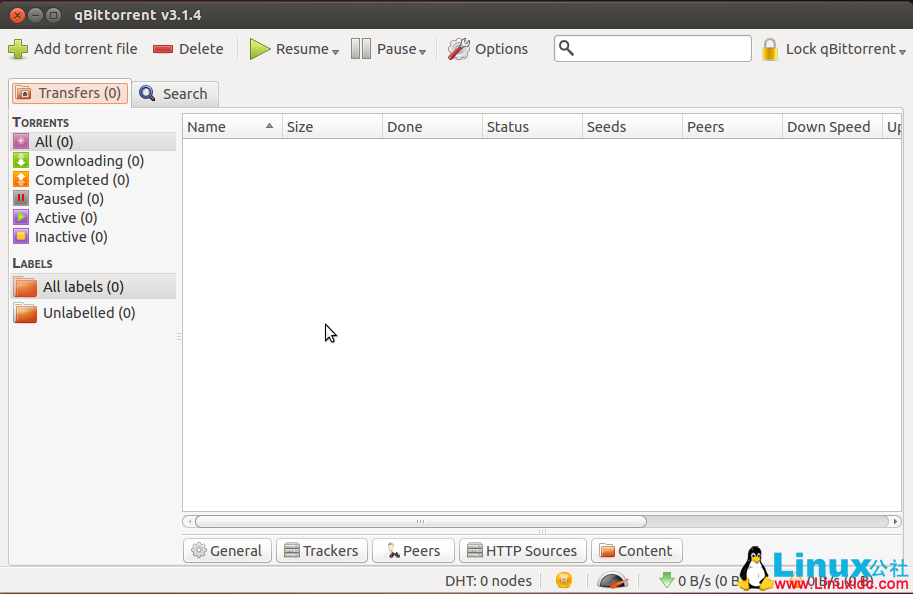
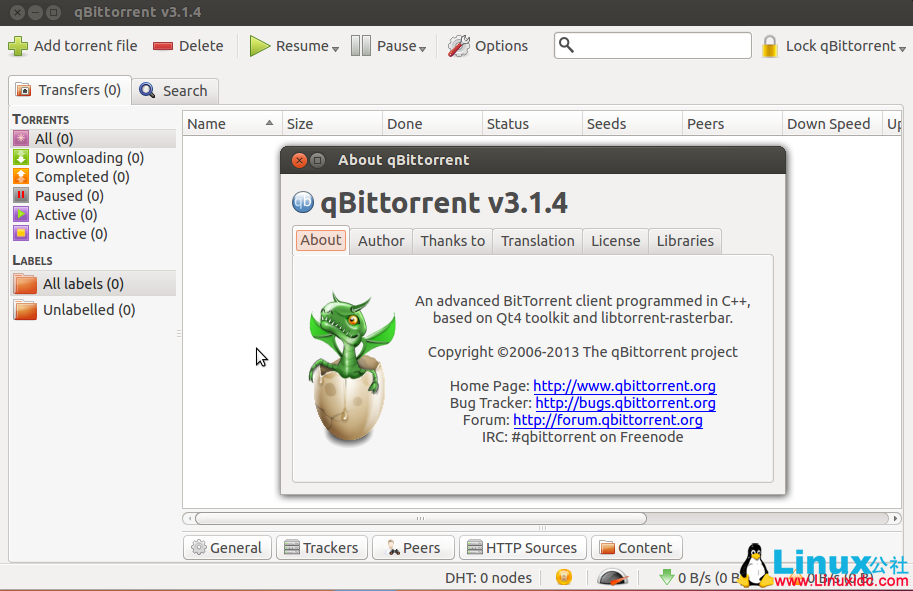
更多Ubuntu相关信息见Ubuntu 专题页面 http://www.linuxidc.com/topicnews.aspx?tid=2
此文章由 http://www.ositren.com 收集整理 ,地址为: http://www.ositren.com/htmls/62520.html