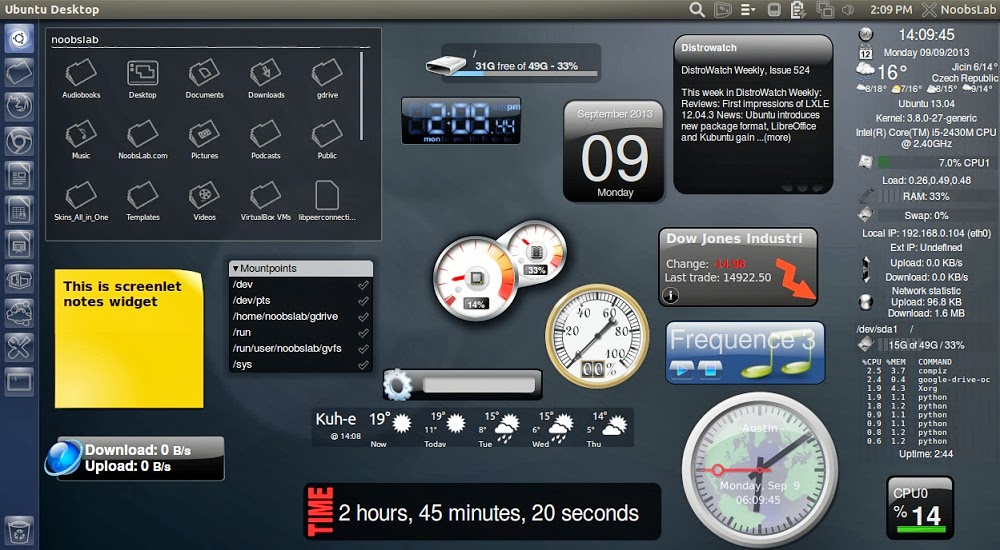
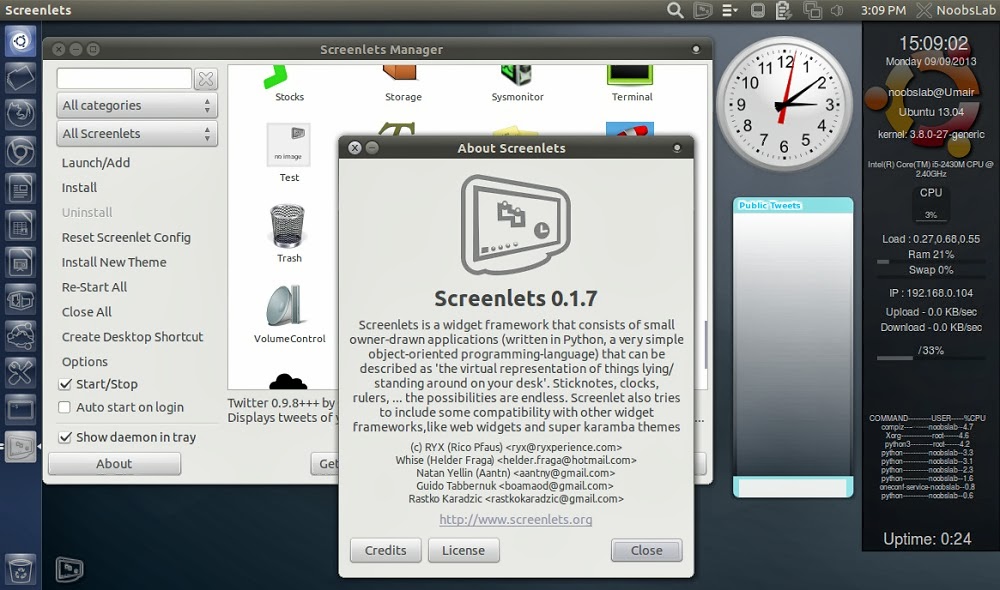
Desktop Screenlets 是一款 Linux 的桌面小工具软件,可以更加美观的创建你常用的软件图标在你的桌面上,使用简便,让你的桌面更加漂亮。看看截图你就知道这是什么东东了。
Ubuntu、Linux Mint 或其他 Ubuntu 衍生版安装方法,打开终端,输入以下命令:
sudo add-apt-repository ppa:noobslab/screenlets
sudo apt-get update
sudo apt-get install screenlets
sudo apt-get install screenlets-pack-all
相关阅读:
Ubuntu 13.04下安装漂亮桌面工具条的 Screenlets http://www.linuxidc.com/Linux/2013-07/87061.htm
为 Ubuntu 安装漂亮的 Screenlets 小工具 http://www.linuxidc.com/Linux/2012-03/56558.htm
Ubuntu7.10下安装漂亮的Screenlets 0.1桌面小玩意(图) http://www.linuxidc.com/Linux/2008-04/12146.htm
更多Ubuntu相关信息见Ubuntu 专题页面 http://www.linuxidc.com/topicnews.aspx?tid=2
此文章由 http://www.ositren.com 收集整理 ,地址为: http://www.ositren.com/htmls/63068.html