Ezame 是一个桌面文件编辑器 – 能够编辑菜单结构的一款很好的应用程序,允许用户创建菜单项和应用启动器。基本上,Ezame 可让用户选择的图标,类别等等。
在 Ubuntu 13.04 中安装 Ezame 菜单编辑器
打开终端,运行以下命令:
sudo add-apt-repository ppa:caldas-lopes/ppa
sudo apt-get update
sudo apt-get install ezame
下面是截图:
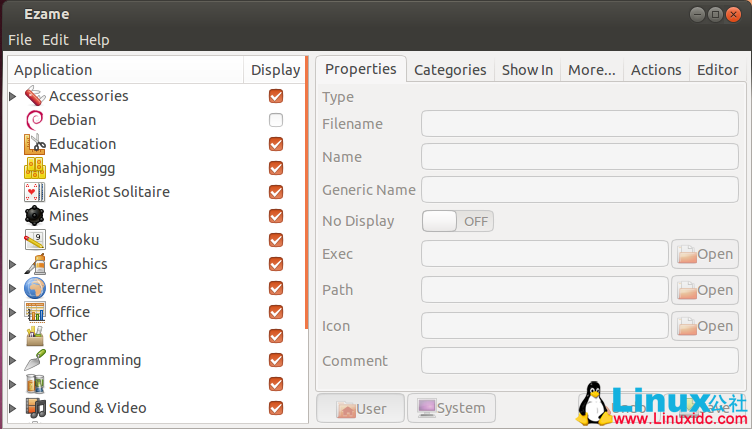
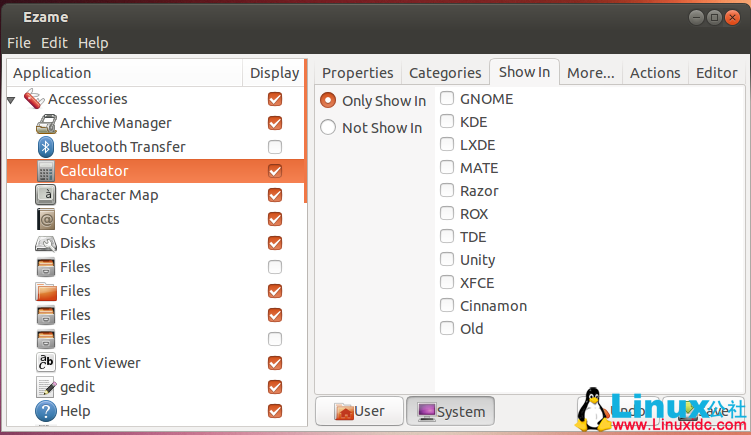
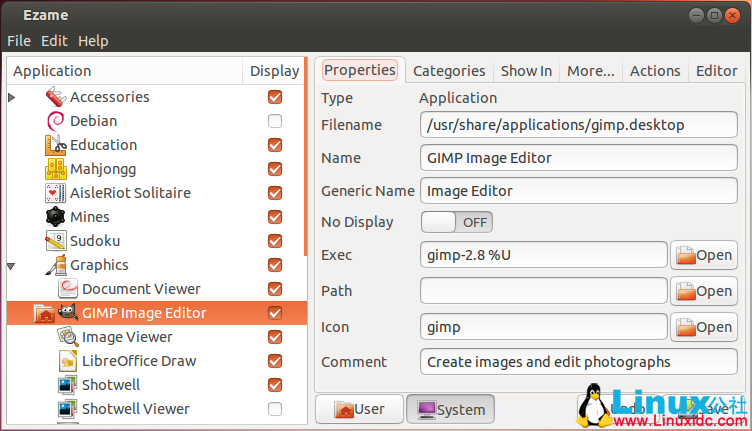
更多Ubuntu相关信息见Ubuntu 专题页面 http://www.linuxidc.com/topicnews.aspx?tid=2
此文章由 http://www.ositren.com 收集整理 ,地址为: http://www.ositren.com/htmls/63379.html