Ubuntu 12.10下如何安装与管理Gnome Shell主题呢?首先在Ubuntu 12.10下安装Gnome Tweak Tool 见 http://www.linuxidc.com/Linux/2012-11/73624.htm
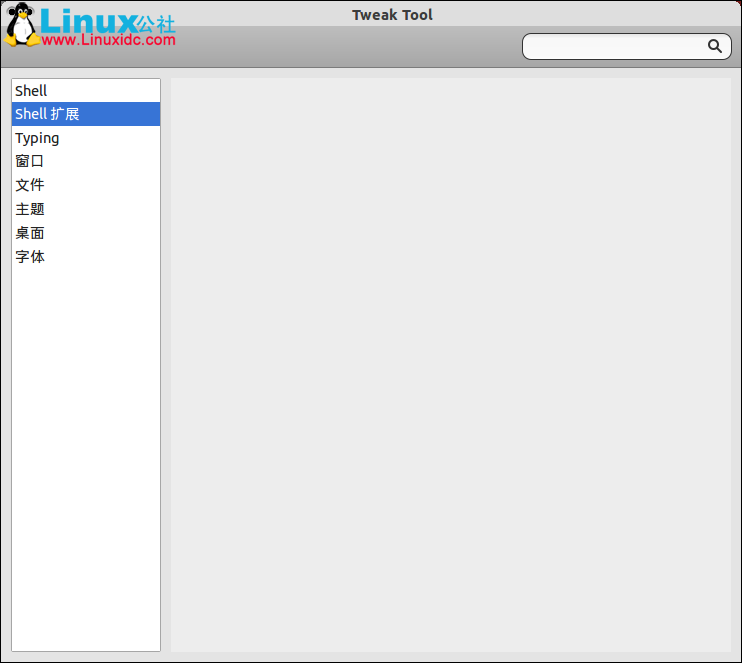
安装好后还不行的,这时Tweak Tool 的Shell扩展还是空白的。
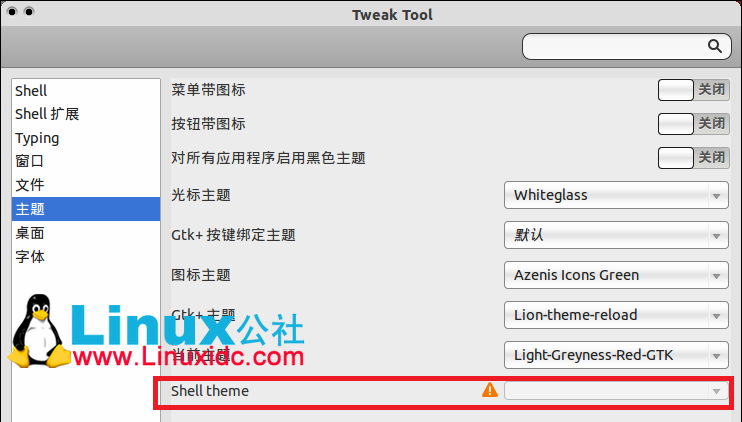
而且Tweak Tool的主题里的 Shell Theme 这里是感叹号的,不能选择的。
这时我们需要安装User Theme Extension,User Theme Extension可通过以下PPA安装。
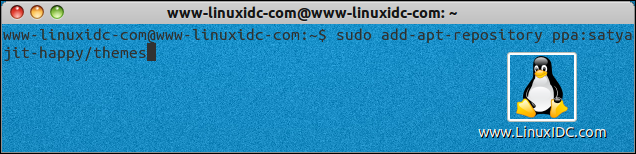
sudo add-apt-repository ppa:satyajit-happy/themes
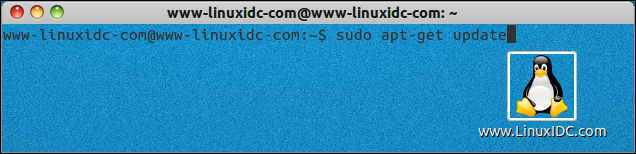
sudo apt-get update
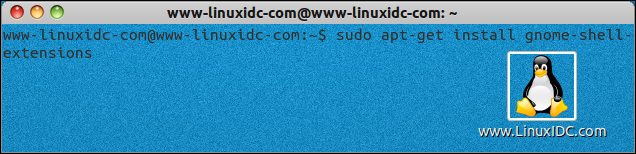
sudo apt-get install gnome-shell-extensions